Creating a New Project
First, visit the Microsoft MakeCode Arcade.
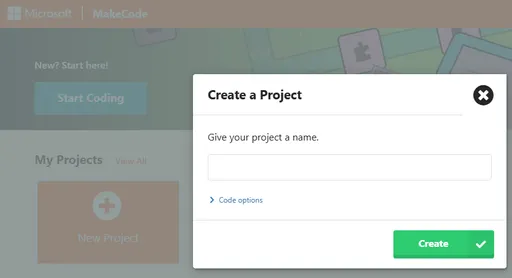
In the main menu, select the New Project button, and then you will be asked to give a name. Once you’ve chosen a name, click Create.
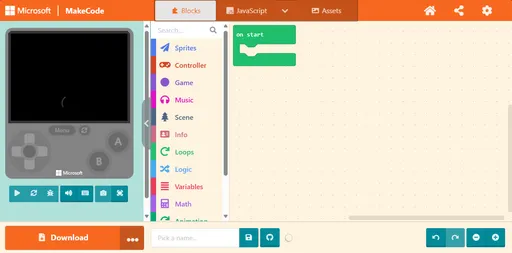
You will be brought to the editor screen. If this is your first time, you will see some popups explaining the editor. Take some time to get acquainted with the layout.